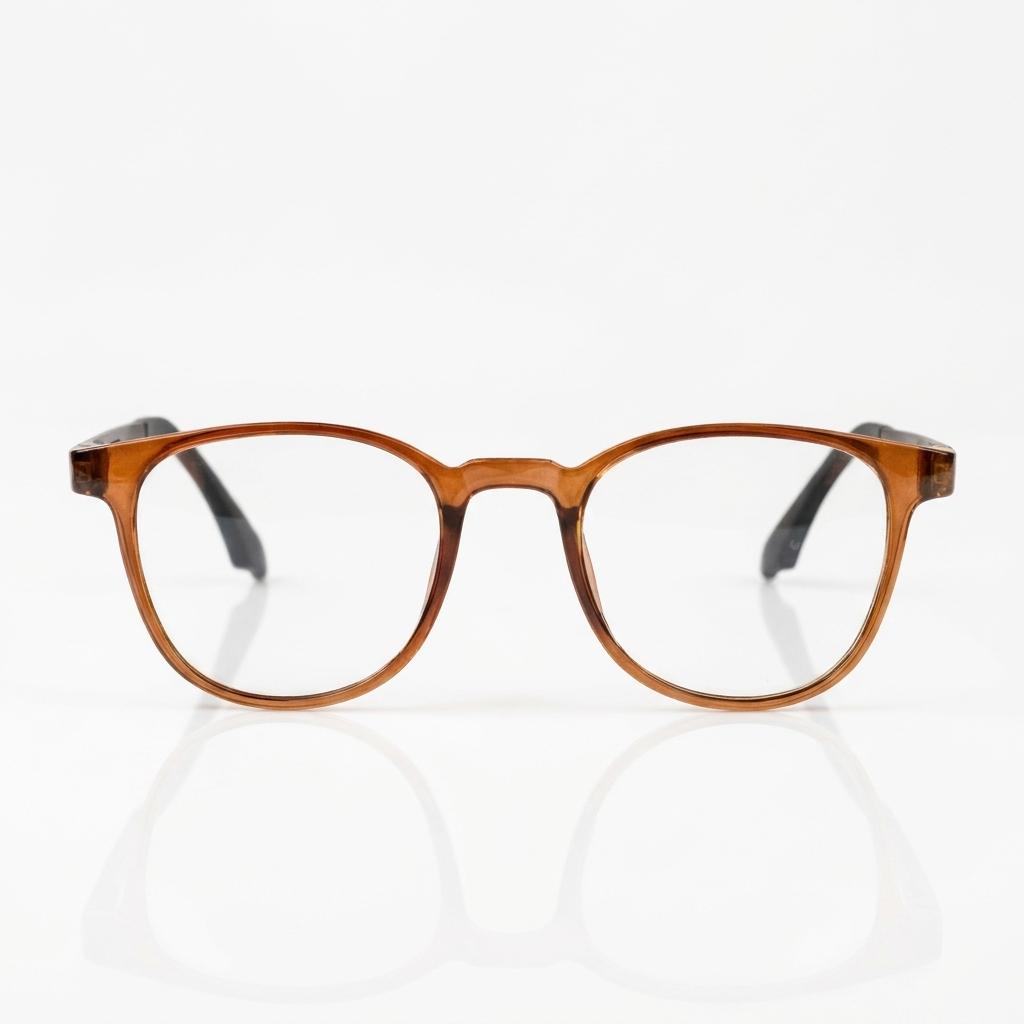
Amber RoundRs 3,490
Amber RoundRound, Rs 3,490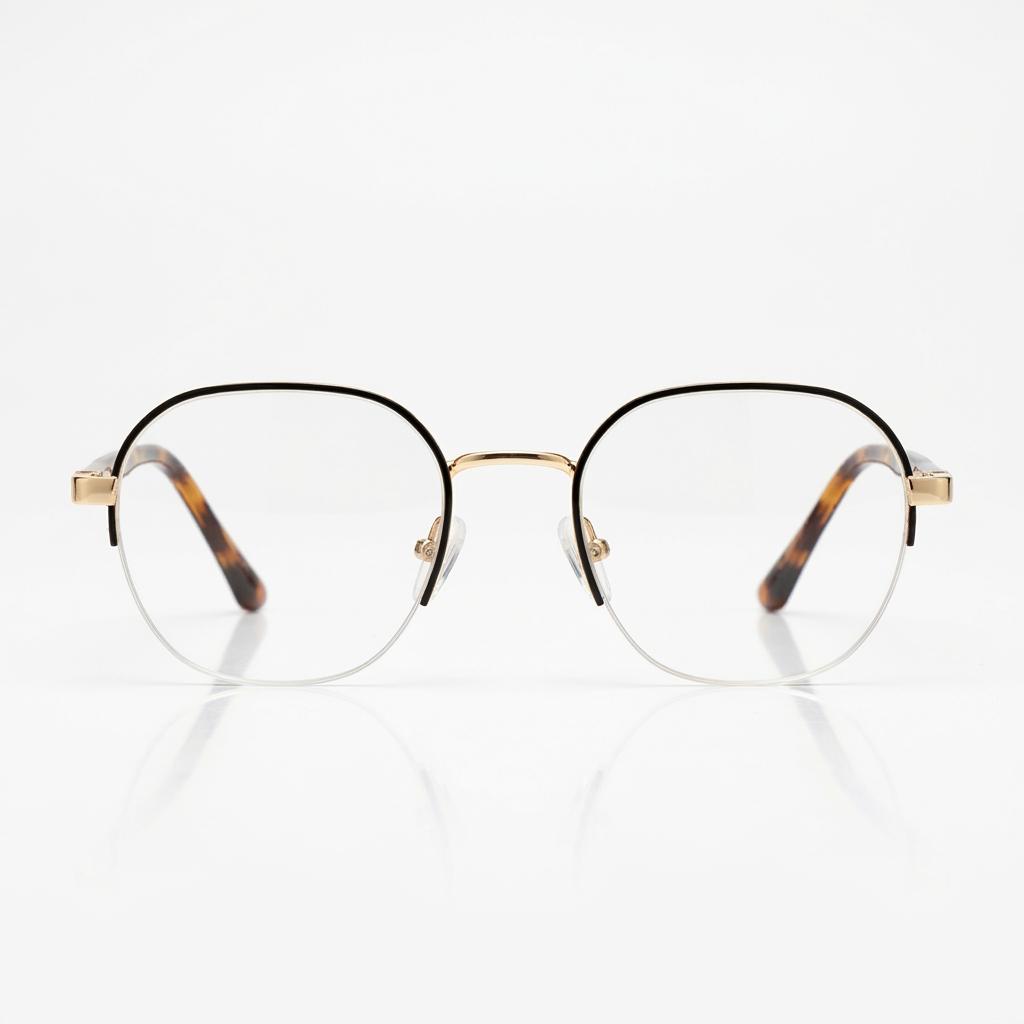 Gold Half-Rim RoundRound, Rs 3,490
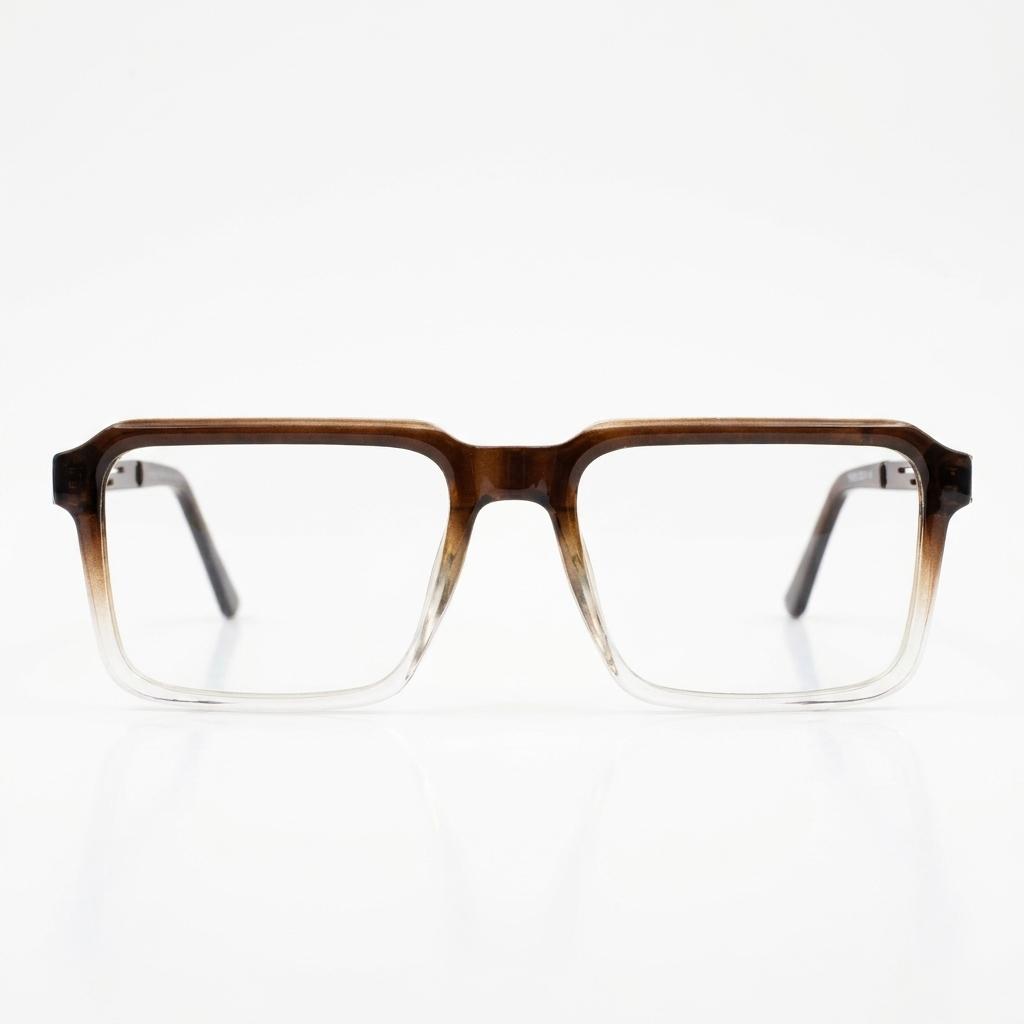 Black Fade SquareSquare, Rs 3,490
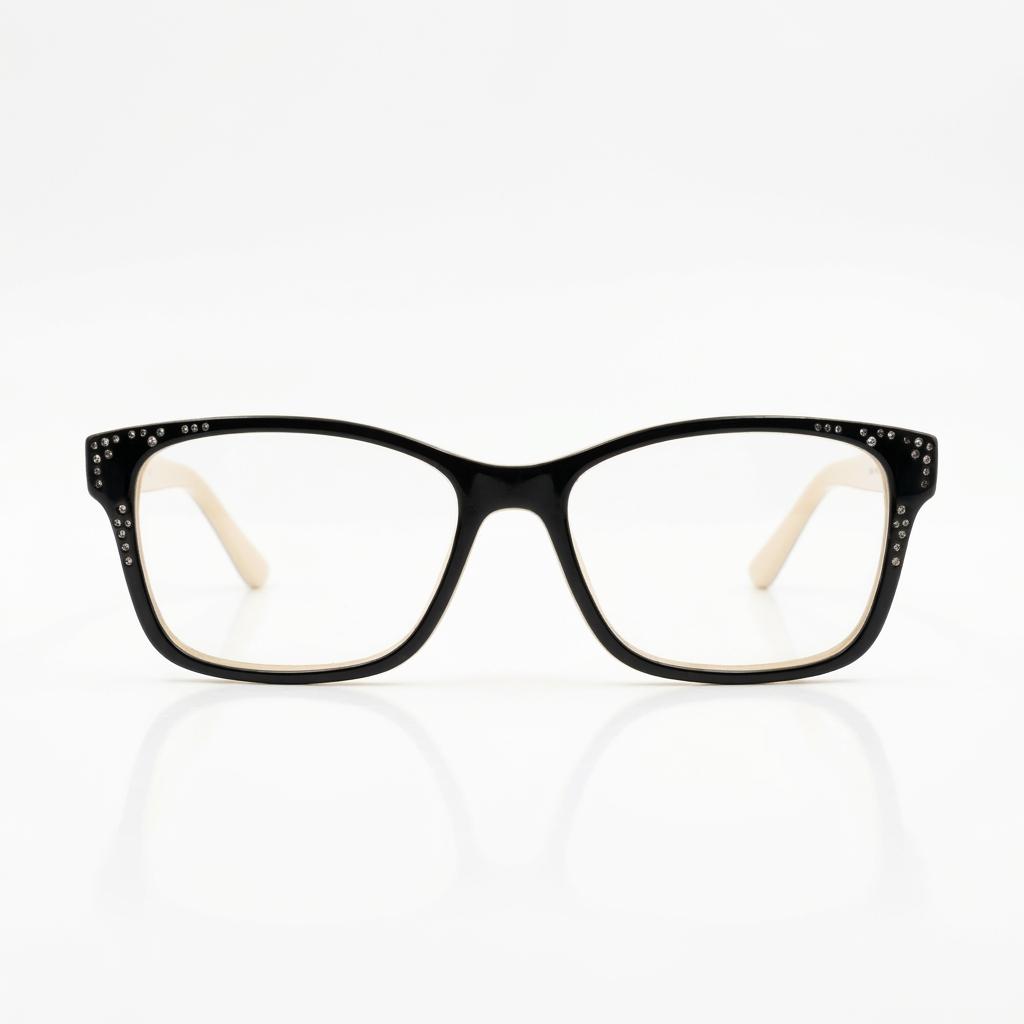 Black Cream RectangleRectangle, Rs 3,490
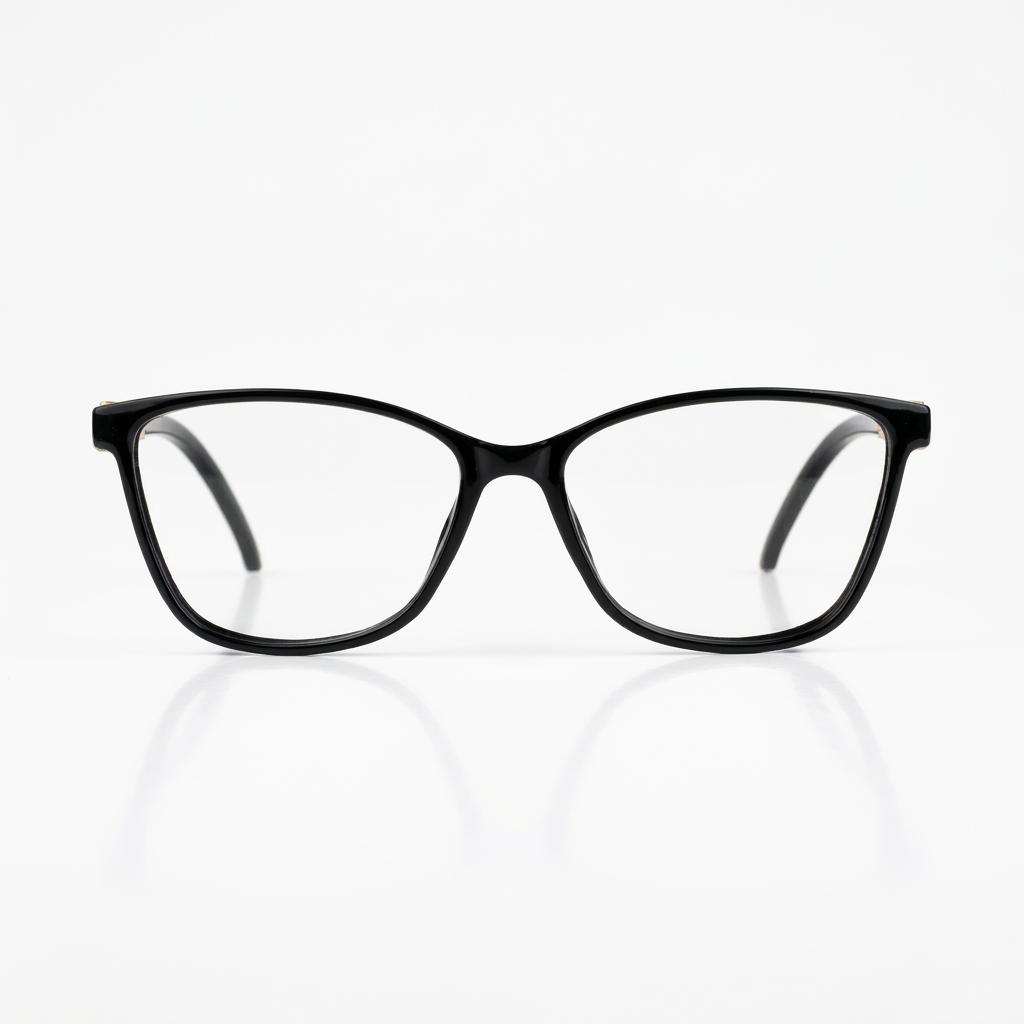 Black Jewel Cat-EyeCat-eye, Rs 3,490
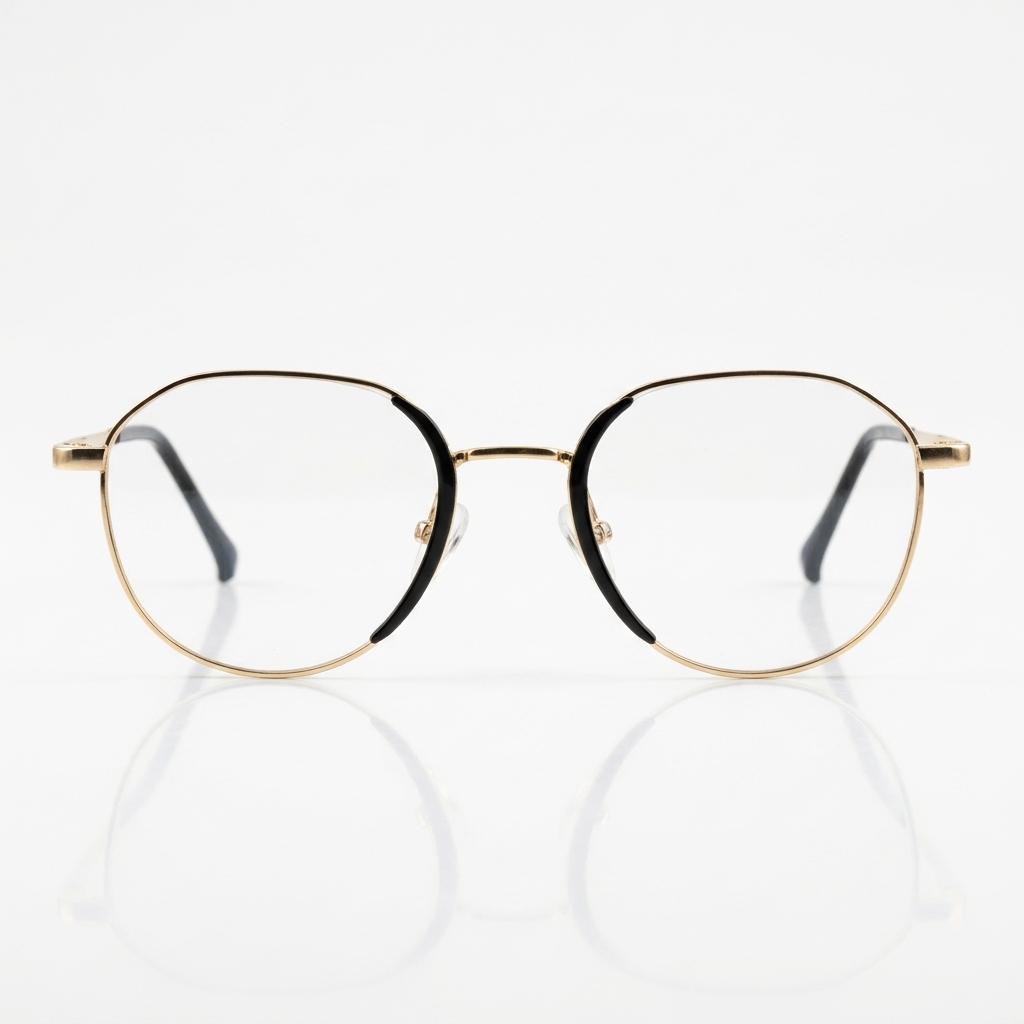 Gold Black RoundRound, Rs 3,490
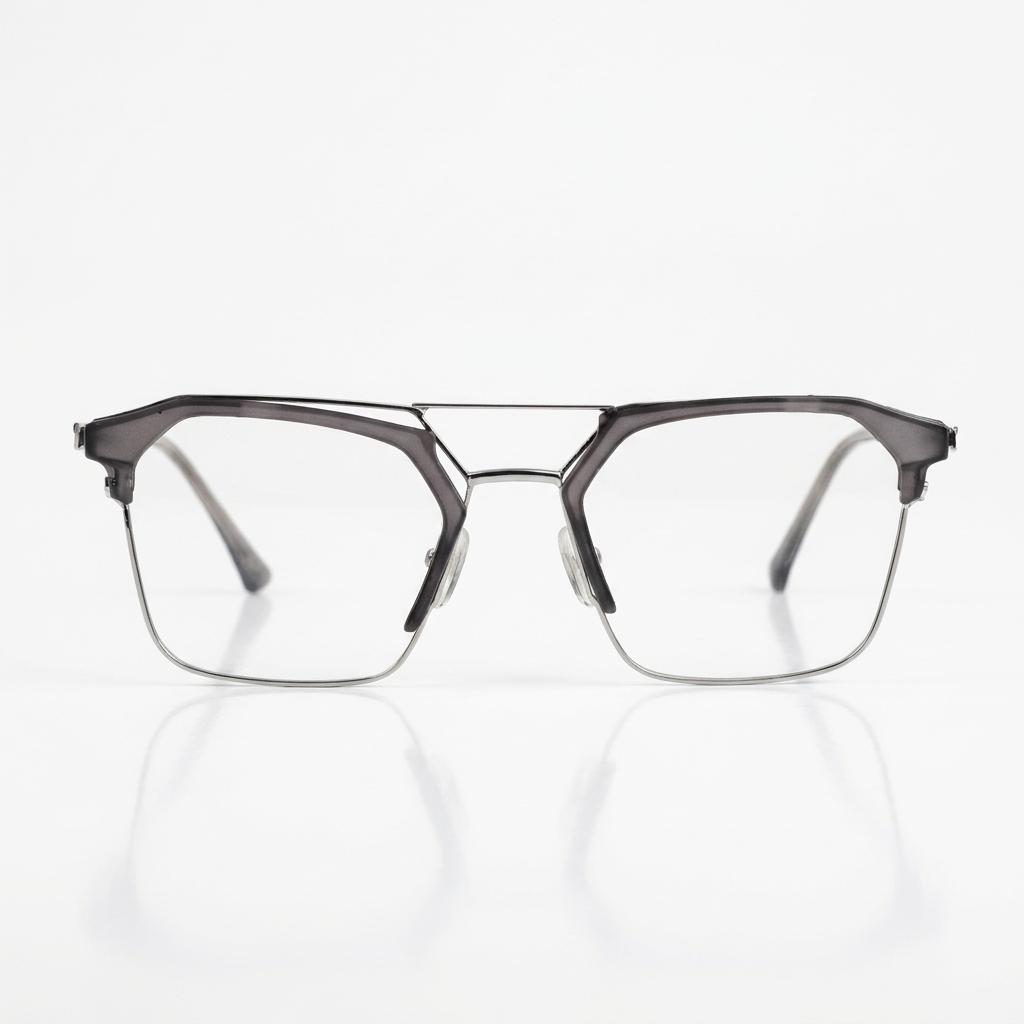 Grey BrowlineBrowline, Rs 3,490
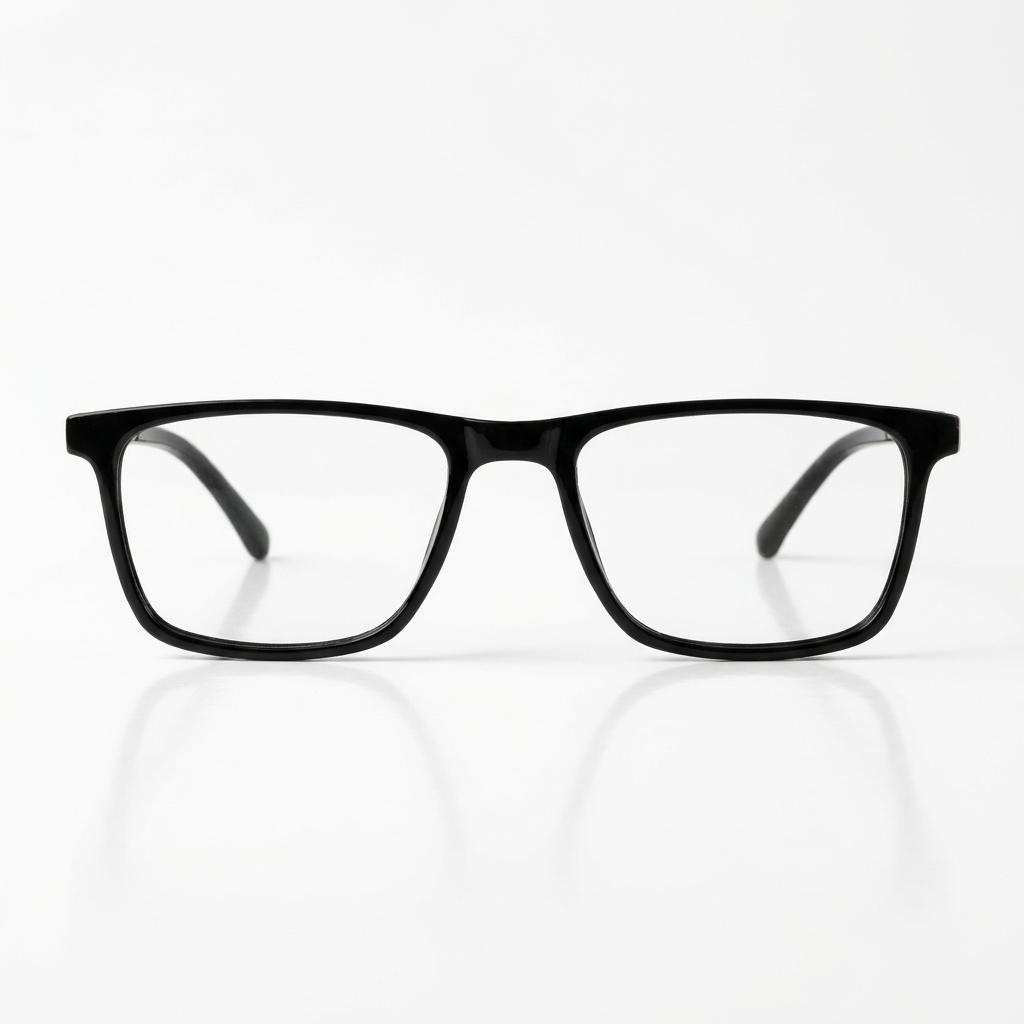 Black Slim RectangleRectangle, Rs 3,490
Popular frames. Try "round", "gold" or "cat-eye".
The Live Mirror uses your camera to place frames on your eyes. They move with you, so you can turn your head and see every side before you buy.